
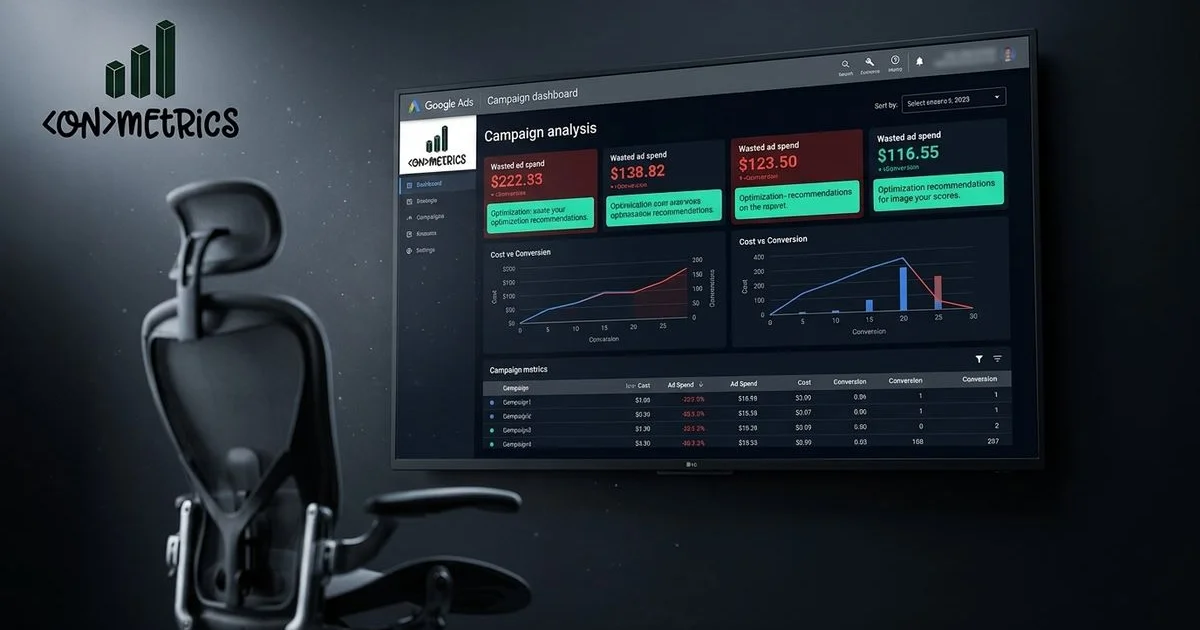
Negative keywords are one of the least glamorous parts of Google Ads. They are also one of the fastest ways to stop a small campaign from bleeding money.
The Feynman version is simple: negative keywords tell Google, "do not show my ad when the search includes this idea." If you sell paid furnace repair, you probably do not want clicks for free manuals, DIY parts, jobs, salaries, or training.
Why Small Budgets Need Negative Keywords Early
Google's guide to negative keywords explains that they prevent ads from showing for searches that include excluded terms.[1] For a small business, that is not a tiny account setting. It is budget protection.
A larger advertiser might absorb a week of messy search terms. A local service business running $1,500 a month cannot casually donate $300 to irrelevant clicks and call it learning.
Match Types Change How Much Cleanup You Need
Google Ads also documents keyword match types.[2] Broad match can find new demand, but it can also wander. Phrase and exact match give more control, but they still need search-term review because real people type strange things when they are stressed, rushed, or price shopping.
The practical move is not "never use broad match." The practical move is to know when you are testing reach and when you need control. Those are different jobs.
Build a Starter Negative List Before Launch
Most small business accounts should start with exclusions around jobs, careers, free, DIY, used, cheap, wholesale, templates, training, courses, meaning, examples, and unrelated cities. Then add industry-specific terms. A law firm may exclude "pro bono" or "forms." A contractor may exclude "how to build" or "salary." A B2B consultant may exclude school projects and software tutorials.
That starter list will not catch everything. It gives the first week a floor.
Use Search Terms Like a Call Recording
The search terms report shows what people actually searched before clicking. Read it like customer language, not just account data. Some terms should become negatives. Some should become new ad groups. Some reveal missing landing-page copy.
This is why Google Ads management should be tied to landing pages and lead quality. A campaign cannot be judged by clicks alone. It has to show whether the clicks turned into calls, forms, booked jobs, or consultations.
Do Not Let Automation Hide Waste
Automation can help once the account has signal. It should not be used as a fog machine. If a campaign is spending money, the business should know which searches, services, and locations are creating useful leads.
For local cost context, see our guide to Google Ads for small businesses in London Ontario. The cheapest lead is not always the best lead. The bad click you block is often the easiest profit you recover.
References
- [1] Google Ads Help, About Negative Keywords. https://support.google.com/google-ads/answer/2453972
- [2] Google Ads Help, About Keyword Matching Options. https://support.google.com/google-ads/answer/7478529
Based in London, Ontario. ONmetrics provides data-driven digital marketing in London, Ontario and across Southwestern Ontario. Book a free audit →